

Home › Forums › Sign Making Discussions › File Swapping › vector required: Royal Engineers Badge
-
vector required: Royal Engineers Badge
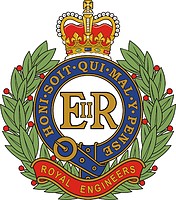
Posted by Mike Grant on 20 November 2013 at 15:28Would anyone have a suitable vector for this badge. Idealy need it for single line engraving. A long shot I know but here goes. 😀
Attachments:
 Graeme Harrold replied 12 years ago 4 Members · 17 Replies
 -
17 Replies
-

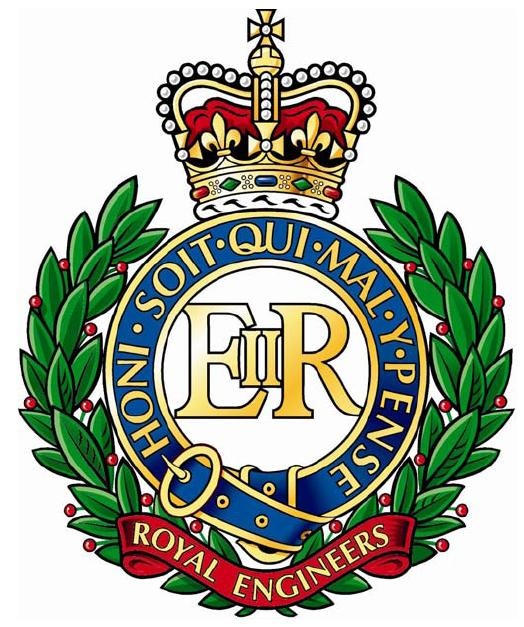
this is better prints to a reasonable size 😀
Attachments:
-

Thanks John, that would be great if I was printing it but I have to engrave it. I have one other avenue to follow but that will only happen tomorrow.
-

-
Thank you Kevin, not the best for engraving but could be used at a push. I am waiting for my customer to get back to me as the undertakers apparently had the badge engraved on the coffin plaque. This job is a memorial plaque and it is a very fussy thing to put on something so small.
-
Mike
put the file into VCarve and then re exported it to give a line file, you may have already done this but if not may help will probably need tidyingKev
-
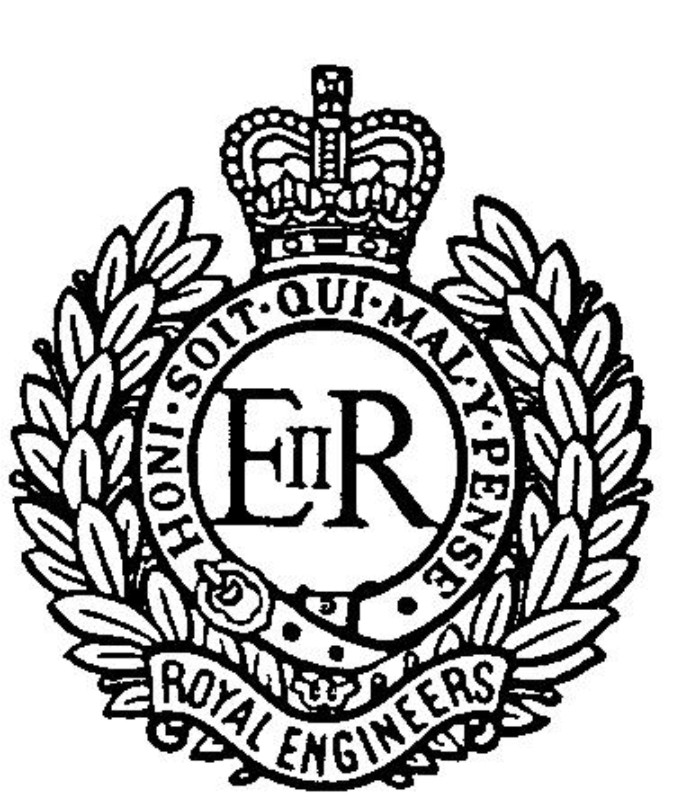
Thank you for that Kevin, better than the other one but still to fussy as artwork goes. Ideally I need it to look like this one when finished. Tried to vector this one but again it is to low a resolution for a good result. It will only be 40mm high when finished so if it is to fussy the machine will chew the smaller deatail to bits.
Attachments:
-
Mike
played about with several versions one may be usable with a little tidying, text probably needs changing to a single line font can always type what you need up for you if it helps etc let us know how you get on.Change of plan resampled your bitmap then reduced noise then traced looks a lot better but needs a little tidying (Don’t engrave so i am guessing its what you are after) If you need it trying again with different settings etc let me know
-
Kevin, I really appreciate your efforts to help me, top man.
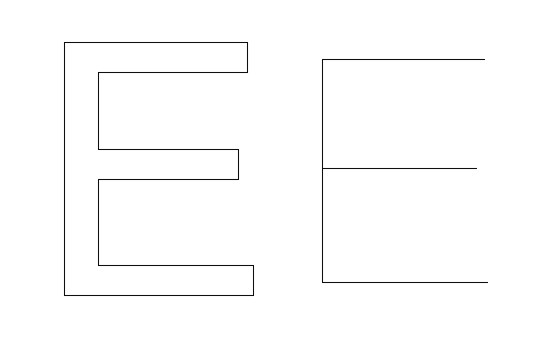
Just to clarify what I mean by single line engraving, have a look at the attached.
In effect the artwork you have supplied looks like the example on the left, however I need it to look like the example on the right. It is the thickness of the cutter that gives the letter its thickness. The example on the left would need a "fill" command to execute and would consist of a line spiraling around the inside of the letter until it clears out the area. I hope this makes sense.
Thank you again for your help.
😀
Attachments:
-
Mike
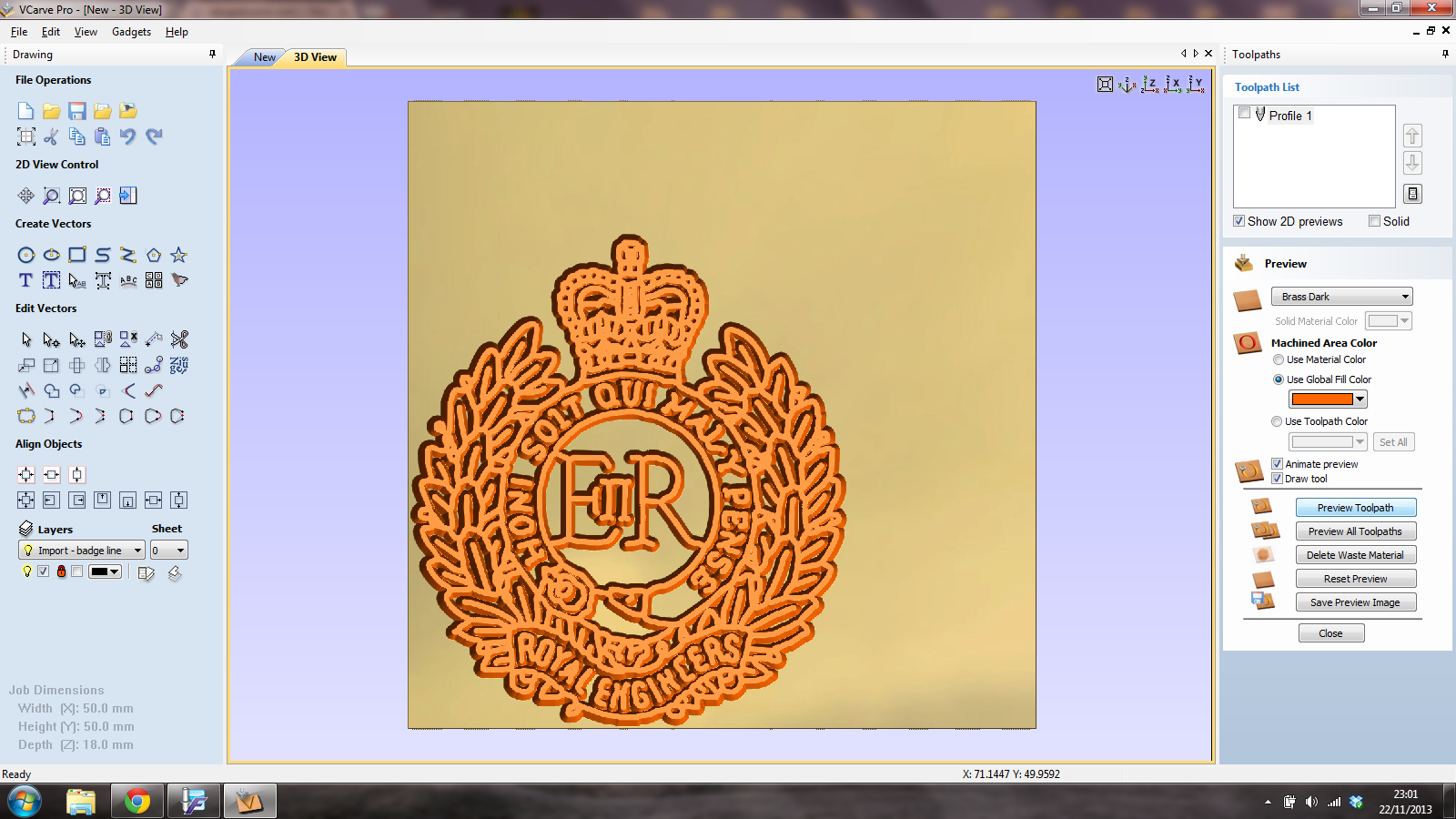
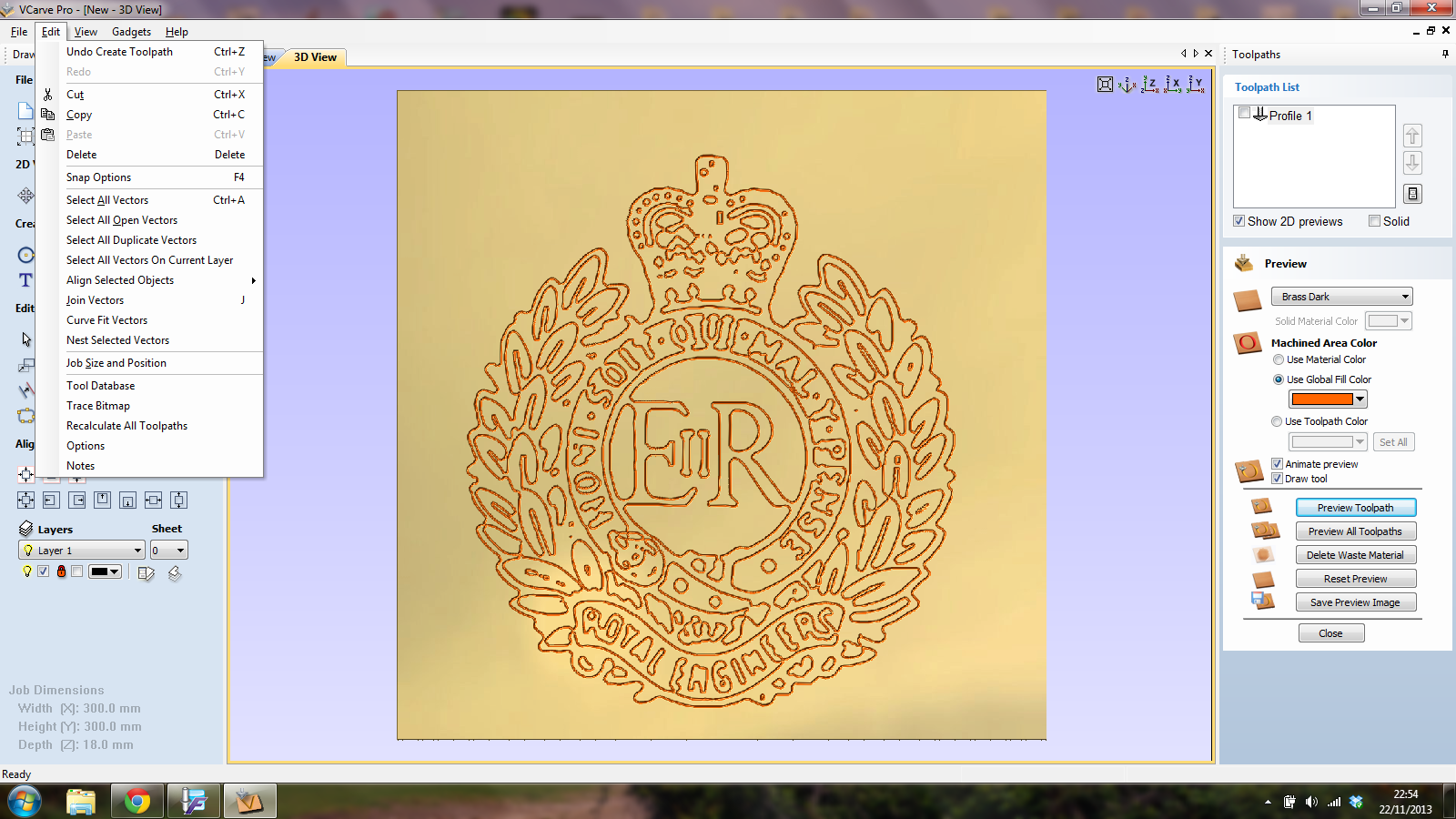
yeah understand that and can see how that works coudn’t get my head around it for the badge itself. tried a inline trace and the run it in VCarve hope it may be of some use.23.01.40 is screen shot of simulated 20 degree x .5 engraving tool machining the line file, depth was probably too deep
st pic is the standard file run through VCarve
File will need tidying
-
Kevin, we are not getting anywhere here. Maybe this one might explain it better. I need the single line on the left, when I cut along this line with the thickness of cutter I require, it then gives me the finish of the one on the right. You are presenting me the one on the right which gives me two lines to follow that will give me the wrong cut as I will be cutting along all visible lines. I am finding this very hard to explain. 😕
Attachments:

-
Mike
Yeah do understand, the eps file i uploaded is a single line but may be not be what you need either. The simulation is giving the wrong impression, sorry not been able to help but its been a learning experienceKev
-

Did you get one sorted, as I have an engraving file I can post tomorrow…..
-
Graeme, I still need it, that would be brilliant. 😀
And Kevin, thanks for your input as well, I also like a challenge. 😎
-
Sorry for the delay, got called out first thing.
Ive used this for drag and rotary diamond engraving. Ive included a detailed and lower detail file for you to choose from. I think I optimised both to limit tool lift and provide an ordered structure to the engraved file.
-
Thank you Greame, That is nice and clean but will still need a wee bit of editing from my side but will probably be ok. I will try some samples and see where we go from there.
:thanks2: :thanks2: :thanks2: :thanks2: :thanks2: :funky: :uksbrules:
-
No probs Mike, got more if you need them. Good thing about cap badges is there are repeated elements…….


Log in to reply.