

Home › Forums › Sign Making Discussions › General Sign Topics › help required weeding small text
-
help required weeding small text
Posted by David Hammond on 6 February 2019 at 16:15Stuggling with this at the moment, so any tips welcome.
Cutting some white 551, and weeding out the text, about 10mm, is an absolute nightmare.
I’ve popped a new blade in, tangential mode is on, but still being a nuisance, the larger text is fine.
It’s going onto a van Friday, under some larger full colour logos.
Chris Windebank replied 6 years, 10 months ago 12 Members · 18 Replies -
18 Replies
-

possibly tangential off more pinch rollers +1 on offset quality 2 i think speed 20
-

Will give it a go.
We used M7A, which was alright, but started using 551 as we can get it locally.
I’ve never messed with the offset.
-

Could you cut and apply paper then stick on the van and peel the background away? MIght need to do the middles on the bench before app tape to eliminate the risk of damaging paintwork while picking on the vinyl with the blade once on…we did just that this morning on a a4 size fabricated tray (don’t ask #palmface)
-

I’m with Martin ^^^ apply app tape, mount in full to van then weed off waste
-
I’ll have an experiment today with that. It does ring a bell but I’ve never actually done it myself. :thumbsup:
-
No I picked up a new roll the other day from Europoint.
It’s 10mm tall, but is very fine, I think they’ve used a light font for the text.
-

We were having trouble weeding some lettering today – then I noticed the knife pressure was up at 175 so fitted a new blade (the old one was blunt) and Bobs yer uncle..
-
First thing I did was swap the blade, the did a test cut, but it’s still being a swine.
I’ve cut it again, weeded out the middles, and will try the way Martin suggested. :thumbsup:
-
I regularly cut small text down to about 5mm sometimes, I use Image perfect 5700. I have tried other makes but find this easier to weed. Whenever it gets difficult then a blade change usually sorts it, never played with offsets but sometimes have to alter the blade pressure after putting a new blade in.
-

Morning Gordon. I use 5700 myself too and have no issues on my Roland. I slow the plotter down so it’s as accurate as possible and use a new 30 degree blade, getting the pressure spot on is important so run a couple of words and test what’s best. Best in mind obviously the new blade will need the pressure checked and adjusting fairly regularly after being replaced. You should be able to cut 7-8mm and weed without out any issues [emoji106]
-
Bit more trial and error whilst I had time.
Despite the test cut on the plotter being fine, upping the pressure and lowering the speed has helped, on the slightly larger text, (it’s still tiny), the smaller of it all is still a bit fiddly but weeding better.
Still going to give the reverse weeding a go though :thumbsup:
-

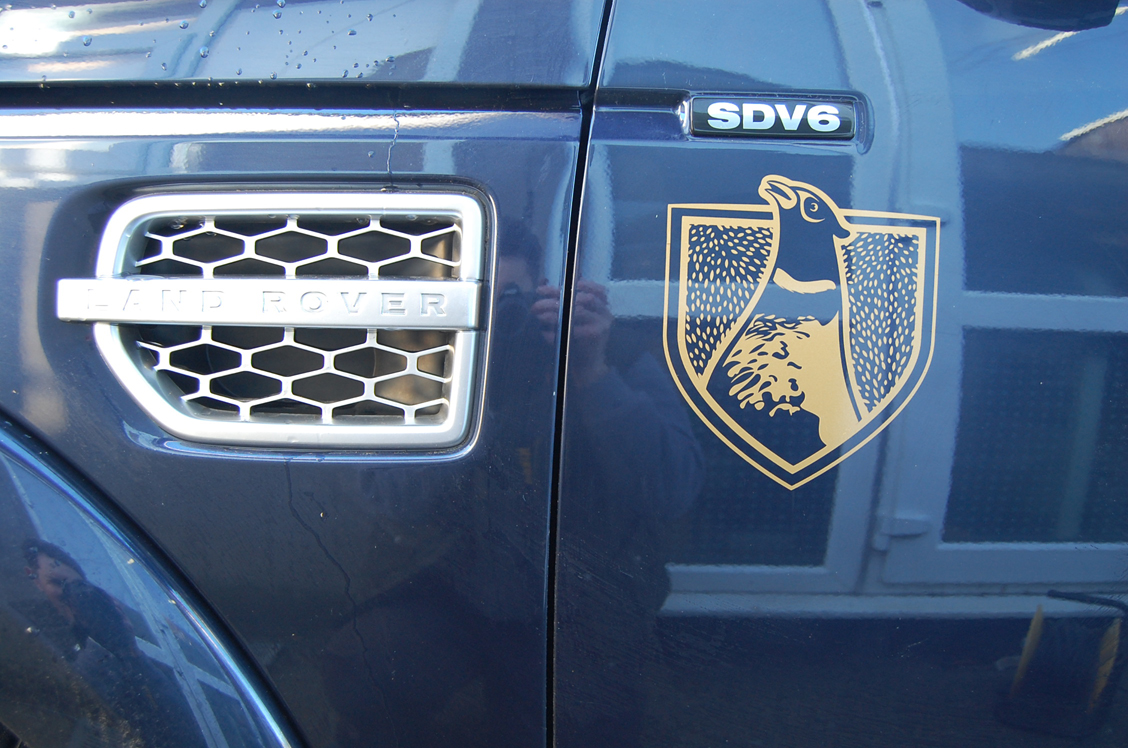
I feel your pain. I did this the other week which drove me close to the edge of insanity. X 4 graphics, each one took an hour plus to weed. All I can recommend is buckets full of patience!
Attachments:

-

ooh James, an hour each :puppyeyes: I hope you charged accordingly
I’ve always found the best way to weed small text is to get someone else to do it 😉 😉
-
quote Martin Cole:ooh James, an hour each :puppyeyes: I hope you charged accordingly
I’ve always found the best way to weed small text is to get someone else to do it 😉 😉
Yes Martin, I charged well because I knew it was going to be a bit of a nightmare. My heart sank when they accepted the quote tho 😆
I don’t have the luxury of delegating work yet 😉
-

By far the best vinyl I have found for weeding tiny letters is 3M 7725 cast.
This comes on a clear liner to which it sticks harder than the paper liners of lesser films, so the letters are reluctant to lift when weeding. -

When artwork is too small / thin I sometimes create an outside offset path with round corners. This makes artwork easier to cut and weed. At this size you cannot see that artwork has been thickened because it’s usually part of a millimetres
-

agree with Pane, allow about 0.2 to 0.4 and soften the curve makes life easier

Log in to reply.