Home Forums Sign Making Discussions File Swapping getting rid of backgrounds on jpegs

  • getting rid of backgrounds on jpegs

    Posted by Lorraine Clinch on 9 June 2006 at 12:55

    Hi all,

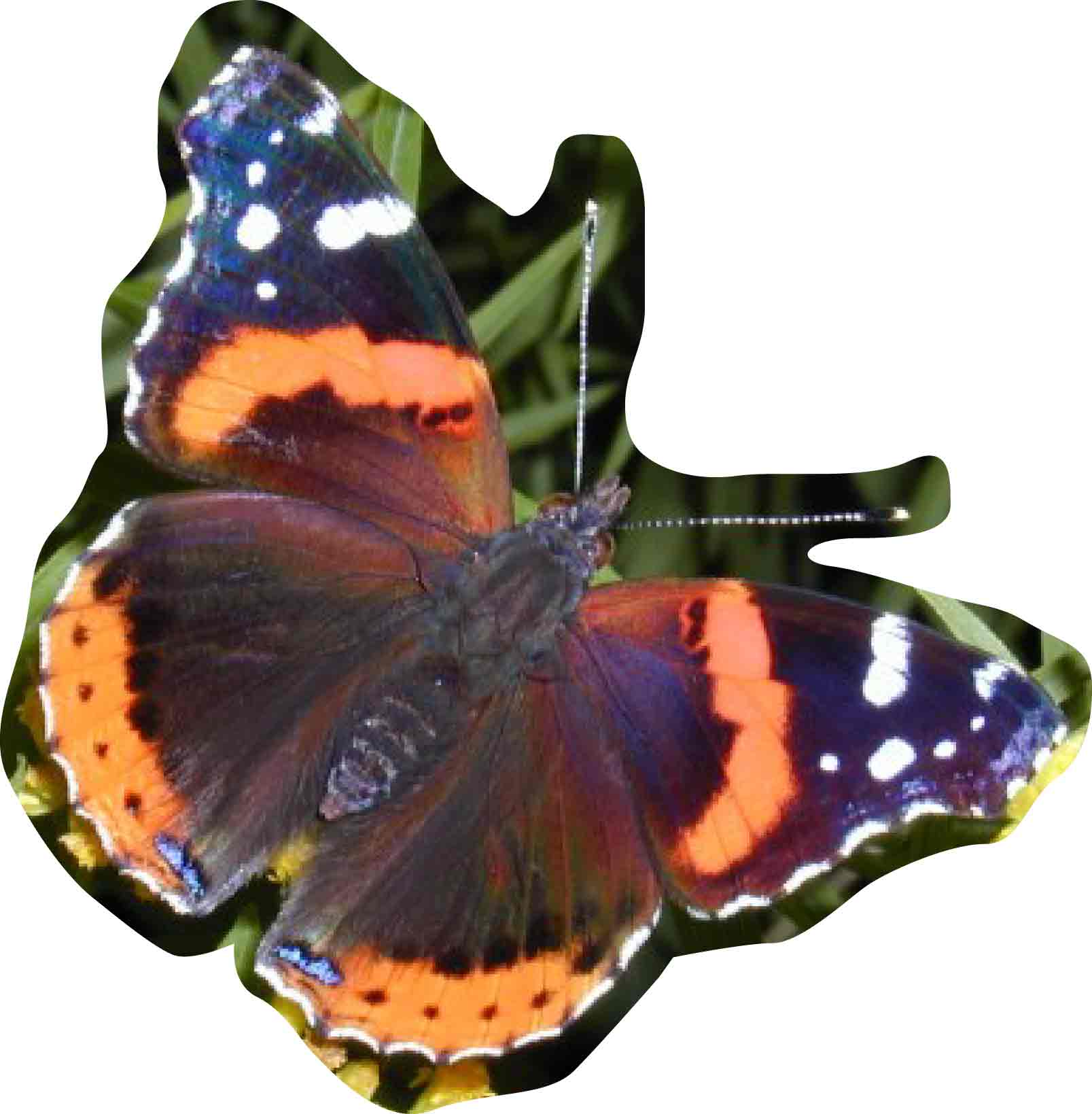
    further to my post today re the above, I have put an image on here of what I have achieved so far (taken me an hour & got nowhere fast!)
    It’s on as a pdf for demo purposes….

    I have 4 images like this to do, so really need to learn how to do it.

    Thanks for taking the time on this, it is appreciated.

    Gordon Forbes replied 19 years, 6 months ago 2 Members · 2 Replies
  • 2 Replies
  • Dave Bruce

    Member
    9 June 2006 at 15:38

    Lorrraine, did you search on the boards, I had this question a while back and there were a few replies.

    Cheers

    Dave

  • Gordon Forbes

    Member
    9 June 2006 at 17:00

    I don’t know what program you use for sign work and you don’t say what you are doing with the jpeg If it is for printing here is what I would do
    I would draw around it in your sign program and just mask it for printing
    Signlab calls it clipping
    Flexi calls it masking
    Illustrator calls it clipping

    ie in illustrator choose the pen in the appearance tab bin the fill zoom in draw around what you want to keep join the path and fill it.
    In pathfinder choose make outline have the path above the jpeg select both go to object tab and select clipping mask > make an its done.

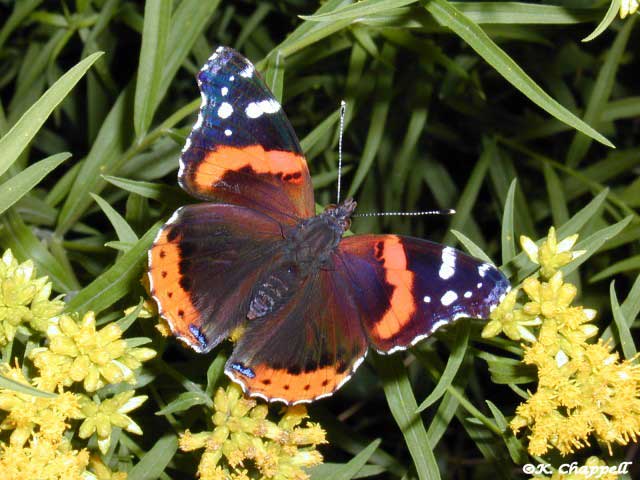
    I uploaded an example done in illustrator in about 2 min exported as a .ai file but here a jpeg for the web.

    I hope this is of some use to you

    Goop


    Attachments:

Log in to reply.