

Home › Forums › Sign Making Discussions › File Swapping › fractions
-
fractions
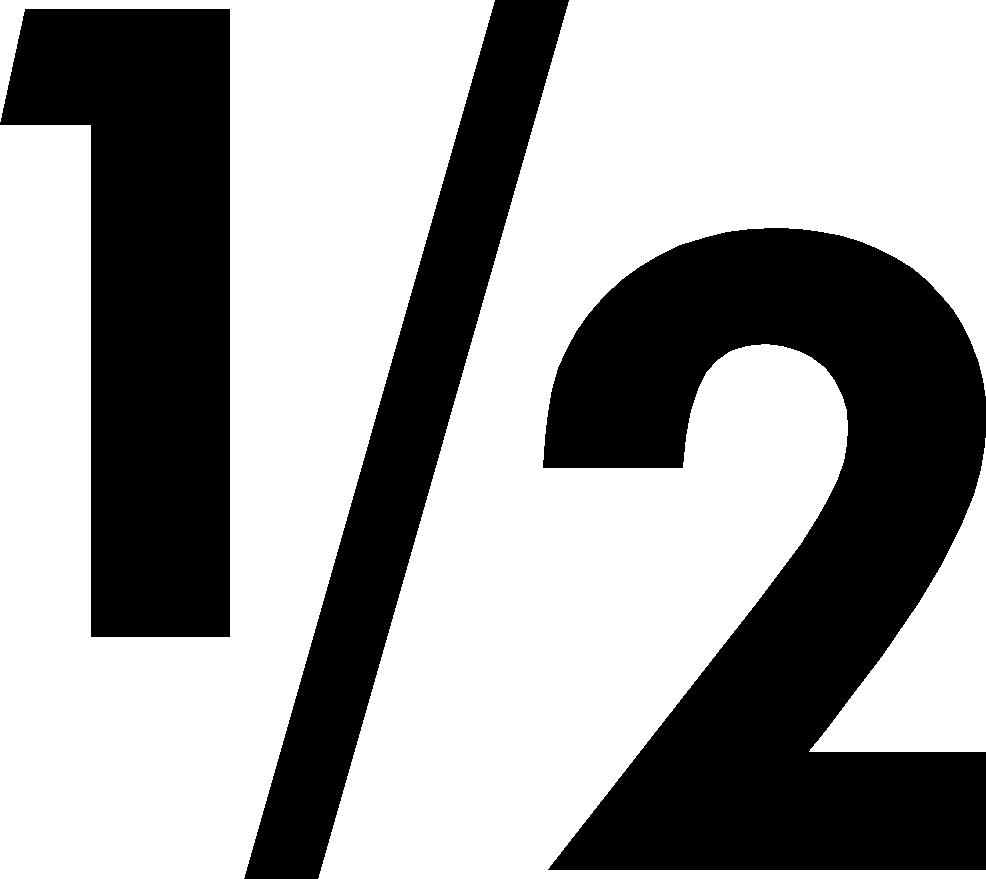
Posted by Peter Normington on 20 November 2006 at 15:27Is there an easy way to type fractions like 1/2 and 1/4 so they dont take up as much space. I know how to access them from the character set, but is there an easier way. Using signlab as well BTW
Peter
David Rogers replied 19 years, 1 month ago 4 Members · 5 Replies -
5 Replies
-

On SL 7 theres a button when editing text which puts writing either at the upper line or lower (not explaining properly). Wasn’t available in SL 5 though.Like this do you mean?
-

thanks Lorraine, I know about the ps ss button but thats not what I’m after it doesnt quite give the desired effect (unless there is a setting to adjust)
In the character map a fraction looks like this. but it means using alt and the code to type it direct. in word it can be set to auto correct to a proper looking fraction but I dont know if this can be done in SL.
Its just a pain when typing menus with lots of burgers in them!Peter
Attachments:
-

Peter
Using alt and 0189 give you ½, alt and 0188 gives you ¼ and alt 0190 is ¾.A pain to use regularly but why not do a ctrl c on the ½ and then paste ½½½½
I’m not familiar with SL so l don’t know if it’s that easy to paste?
Anyway way you should know Peter never do things by ½½½½½½½½.
-
Thats what I was trying to avoid, cut and paste text is not that good in sl
Peter
-
 quote Peter Normington:Thats what I was trying to avoid, cut and paste text is not that good in sl
Peter
Cut & paste WAS great until they did away with the ‘compose box’ in e6…if it ain’t broke DON’T FIX IT!!!.

Log in to reply.