

Home › Forums › Sign Making Discussions › File Swapping › dragon i need
-
dragon i need
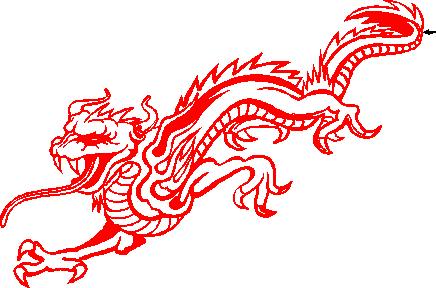
Posted by onestopsigns on 7 May 2005 at 18:58hi this is the dragon ive got huge problems with
onestopsigns replied 20 years, 7 months ago 7 Members · 22 Replies -
22 Replies
-

onestop the one dex has done is fine mate youe one did have cuts through i a few places
-

still got minor prob at tail, nothing to get excited about though
L J
Attachments:
-

thanks you lot are the best most appreciated will give that 1 a try tommorrow morning
wat are the error with the tail ?out of the cuts ive done most failed at the tongue tail or front claw -
if I’m right you are using flexisign, yes!
if so just click on the yellow box on the left at bottom of tools, this takes the colour out of drawing, (wire frame) then zoom right in to the tail.if you want i will sought it & re post it now for you to cut tomorrow
L J
-
thanks for that lj most appreciated and will have a look at flexi to see if i cant work out to fix it me self had the same problem with a football clubs badge not long ago
but i useally use artcut but the flexisign7.5 i used to day was simple yet i started on flexi 6 could not master it . i take it we alter the pic in corel not flexi ? -
you don’t need any other prog except flex 7 it does everything i can think of
L J -

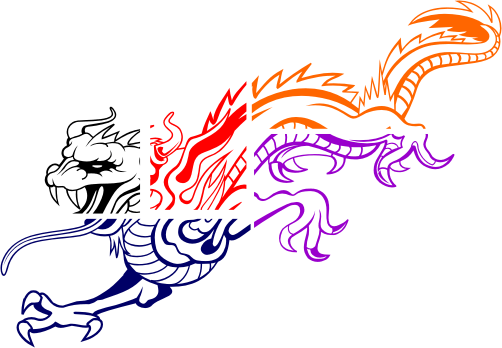
are your cut lines on any of these joins? or are they in other parts of the graphic?
Attachments:
-
if you import dragon 3 that i posted you should find it is perfect in flexi
-
by the way the black line around the dragon 3 is the size you quoted, to show you that you cannot make it that size without stretching it.
L J
-

In Flexi open new file and use the import command to import the file that dex posted for you. This file is perfect in flexi and will require no welding or anything else. You should be able to cut this from flexi with no problems.
I would suggest you forget your other software programmes and concentrate on learning Flexi, it is very good and easy to use and should give you no problems. -
Jem,
The file you mention has a fault near the tail, i have cleaned it up & posted it as dragon 3
L J -

Try this one.. “Japanese Dragon simon” it’s in corel draw format
Just change it, fault in tail gone…??
Simon -
try this also, straight into flexi
😳 O dear flexi ext not allowed for some reason
L JSimon: that version in corel has still got the fault on the tail!
L J -
Well spotted LJ, just uploaded new one, i open it in corel exported as EPS and opened it in flexi , no problems,
Simon
-
Four leg one….. 😳
Simon -
ok i must be doing some thing wrong
al these u say will cut fine end up not cutting in my shop
all i do is import the ai image to flexisign stretch it to size by dragging the edges then press cut button
it then goes to cutter and cuts then it just decides to add linesnow when import it i cant see any lines that shouldnt be there
so i just dont understand it i really dont


Log in to reply.