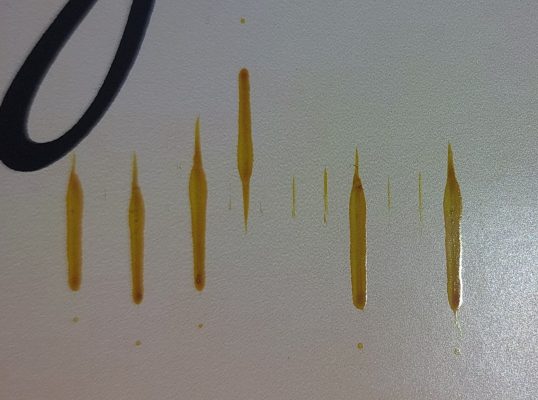
It has been a long time since I ran our Roland printers. But worth checking…
Look at the colour (yellow first) closely, if that is the one dripping ink.
Shine a torch or phone torch under and look around the head for a build-up of ink or whatever.
Use a swab and cleaner to properly clean this up.
Also, make sure the wiper blades are clean and not worn out.
Make sure there are no scuffs or ink smears across the face of the head.
Once you have done this, I would run a print test. if its still happening, run 1 or 2 medium cleans.
These may sound like trivial tasks or completely wrong, but I have ALWAYS gone through the quick, easiest and free possible solutions before I start phoning for a technician or spare parts.