

Home › Forums › Sign Making Discussions › General Sign Topics › Corel Draw Cut Contour Help
-
Corel Draw Cut Contour Help
Posted by Jonathan feeney on 20 February 2019 at 10:40Good Morning ,
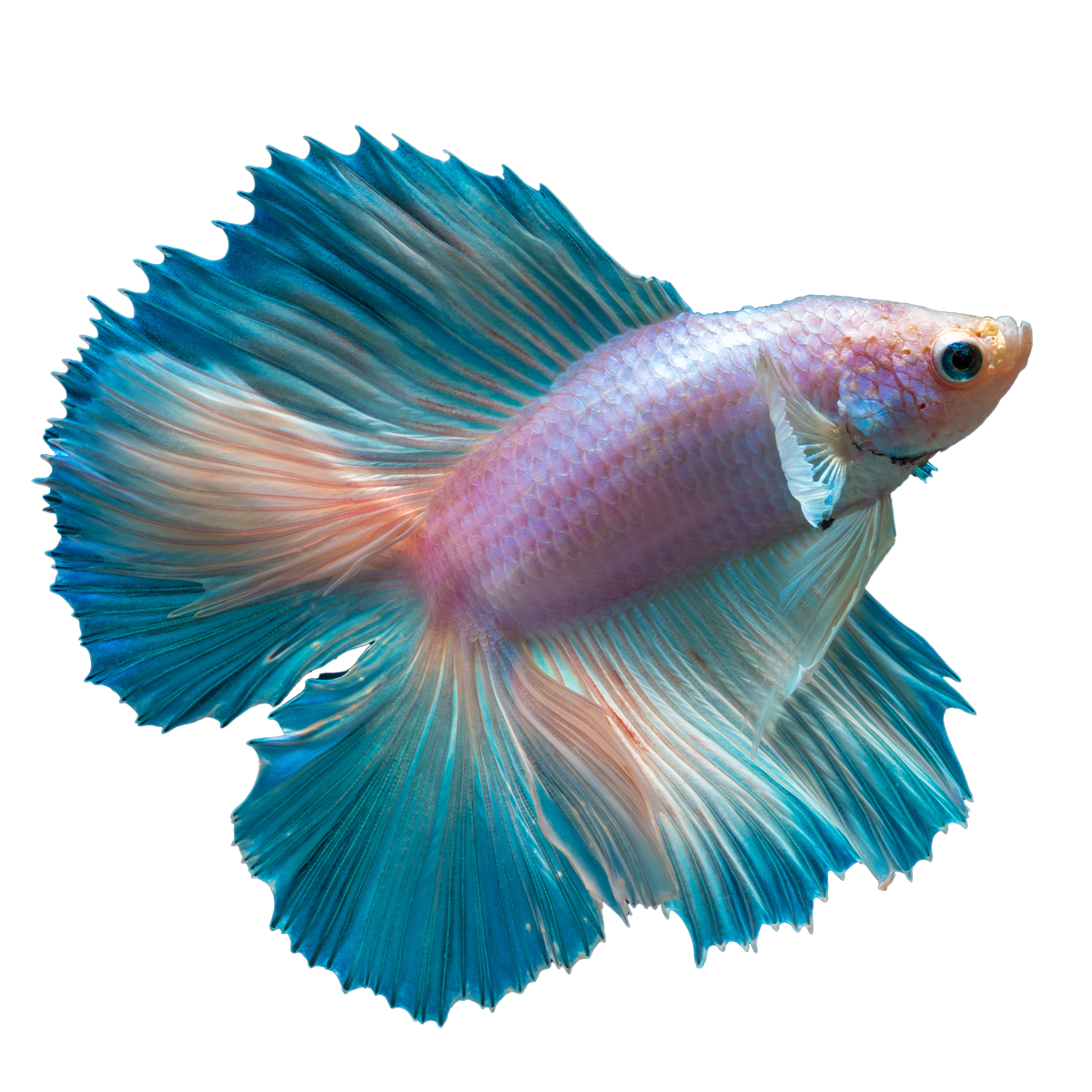
im looking for some help i cant seem to get a contour cut line to go around the attached png can any one help ?
Thanks
Attachments:
 Jonathan feeney replied 6 years, 10 months ago 4 Members · 6 Replies
 -
6 Replies
-

copy the image make it as dark as possible , convert to black white, or 8 bit gray then trace it, delete middle bits. is one way not necessarily the best.
-

As Chris says…
Bitmaps> convert the png to bitmap
Bitmaps> Mode > black and white In dialog box select line art and adjust image until mostly black.
Trace bitmap > line art > ok.
Select object and break apart or remove white areas/ nodes, add outline and remove fill. You may want to bring in the outline in a mm or two to allow for edges.
-

simply trace as outline low quality
move to one side, object/shaping/boundary
and there is your outline -

Thanks guys , that worked no problem but i now have a new problem :awkward: the outline isnt recognising in versaworks any ideas ?
cheers
-
if it was my one was just magenta as done on office PC
copy and paste a new one and re-save and make sure its front of page
-
Got it all sorted now thank for everyones help much appreciated :smiles:

Log in to reply.