

Home › Forums › Vinyl Cutter Discussions › Roland Cutters › pc60 lines where the print overlaps
-
pc60 lines where the print overlaps
Posted by John Radmore on 6 April 2014 at 19:42Hi, i have managed to get the pc60 printing and cutting thanks to some previous posts on this forum. I printed a Black square to check for lines. I can see a line where the print over laps. There is no print missing on these lines and if you look at it from a distance or a different angle it appears to be a solid uniform colour. My question is, is the Head in bad shape or is this normal to see overlapping when you look closely. The machine did come with spare print head but i don’t know if it is new or not. Any help appreciated, John
Mike Grant replied 11 years, 6 months ago 4 Members · 12 Replies -
12 Replies
-

if the line is at the overlap, and the line is not white, then your print head is fine, you just need to adjust it.
How to adjust the print head? It is described in the manual.
-

as said head may be fine have a look at the feed rate adjustment in the user manual
-
Thankyou for the information Fabrice and Chris. I have printed a copy of the manual and will give the adjustment a go this weekend. Cheers, John
-
Hi, i have looked in the manual and i have adjusted the line pitch but this just moves the overlap. I cannot see how to alter the feed rate adjustment in the manual? Was the line pitch the correct thing to alter? many thanks, John
-
Line is a user adjustment and as you have tried must now be returned to default.
The feed calibration to be found in service mode and with the use of a service manual.
As service mode is all flashing lights its not to be entered lightly. Ha lot of care I mean.
What are you printing on to just how bad is it. Black won’t matter but lighter colour will be quite noticeable. -
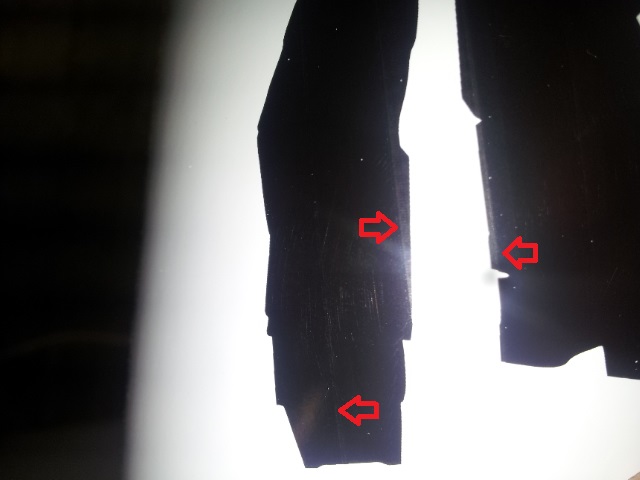
Hi Chris, i am printing black onto a standard 3-5 year White vinyl which is probably not the ideal media for the job but i am still trying to get it working well before i buy a lot of the good stuff. i have tried to attach an image which shows the lines i am referring to. I’ve had no luck using google to locate a pdf version of the service manual. I have seen a number of old posts on this forum where people seem to have a pdf copy. I appreciate that when using entering the service mode i must take care, thank you for the heads up. can you see the lines in the image? many thanks, John
[/img]
Attachments:
-
Difficult to make that out but poor ribbon alignment or the small black roller degrading. Or poor ribbon
need better pic
If you wind the ribbon back so yoan see where it has been used and should not be close to the edge. When the ribbon is out of alignment will leave a faded edge in the print -
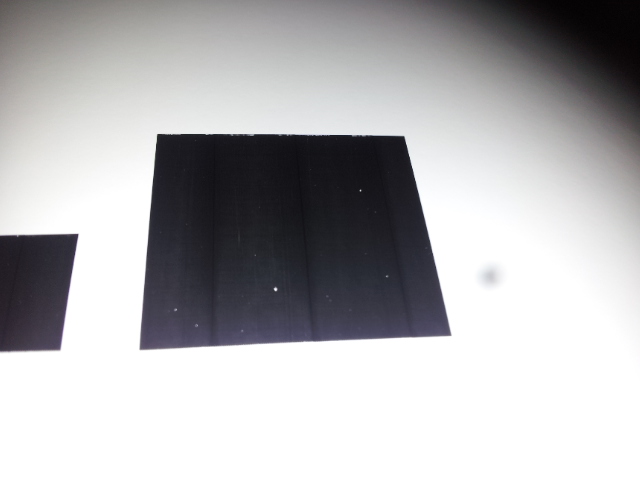
Ok, i checked the ribbon and it was not near the edge, it also was not faded where the black ink had transferred. i have now installed a new ribbon in a different cassette. i would say it is slightly better but i still see a very fine line where i assume it is going over itself. i have taken another pic which seems clearer. Thanks for your help.
Attachments:
-
Hi Chris, Any ideas on the lines as shown in the latest image? Many thanks, John
-
Just had a thought is it set on photo or spot colour in the driver
should be spot colour for graphics
and should print real black that looks a little light -
Thanks for the reply Chris. That was done on spot colour. Do you think it could still be the feed rate? I am struggling to find the service manual. There doesn’t seem to be any links in previous posts.
As a side issue is there a way of having the blade offset lower than 0.25mm?
-

That last picture looks just like the common banding to me. You can always tell a print of a pc60 by that banding, you will never get rid of it.

Log in to reply.