Home Forums Software Discussions Adobe Software how do i bring a jpeg into photoshop & reduce the opacit

  • how do i bring a jpeg into photoshop & reduce the opacit

    Posted by John Harding on 2 October 2006 at 18:09

    Hi Guys

    What i need to do is bring a jpeg into photoshop and reduce the opacity to make it quite wishy washy if that makes sense.

    However when I open the photo in photoshop it is as the background with no option to change the opacity.

    I assume if I can bring the photo in as a layer then I can adjust it but I dont know how to do this – so any pointers please.

    Thanks in advance – John

    oh and im running an older version 5.5

    Lynn Normington replied 19 years, 2 months ago 4 Members · 8 Replies
  • 8 Replies
  • autosign

    Member
    2 October 2006 at 18:22

    select the background layer and then duplicate the layer. You can then delete the original one and use the opacity or fill sliders on your new layer to make it fade out.

  • Richard Urquhart

    Member
    2 October 2006 at 18:44

    hi john
    you need a copy of the cd i got and we spoke about

    as said select the background layer and then duplicate the layer
    then click on the new background layer and turn off the first layer then right click the new layer and select blending options

    if not pop in and i will help

    and remember im not good but have picked uo so many new tings its great

    dave rowland or others may have a faster way than me but im sure same effect
    rich

  • Richard Urquhart

    Member
    2 October 2006 at 18:46

    like this


    Attachments:

  • John Harding

    Member
    2 October 2006 at 19:06

    brilliant I love you guys (in a blokey non effeminate sort of way of course)

    :2thumbs: :cheer:

    John

  • Richard Urquhart

    Member
    2 October 2006 at 19:10

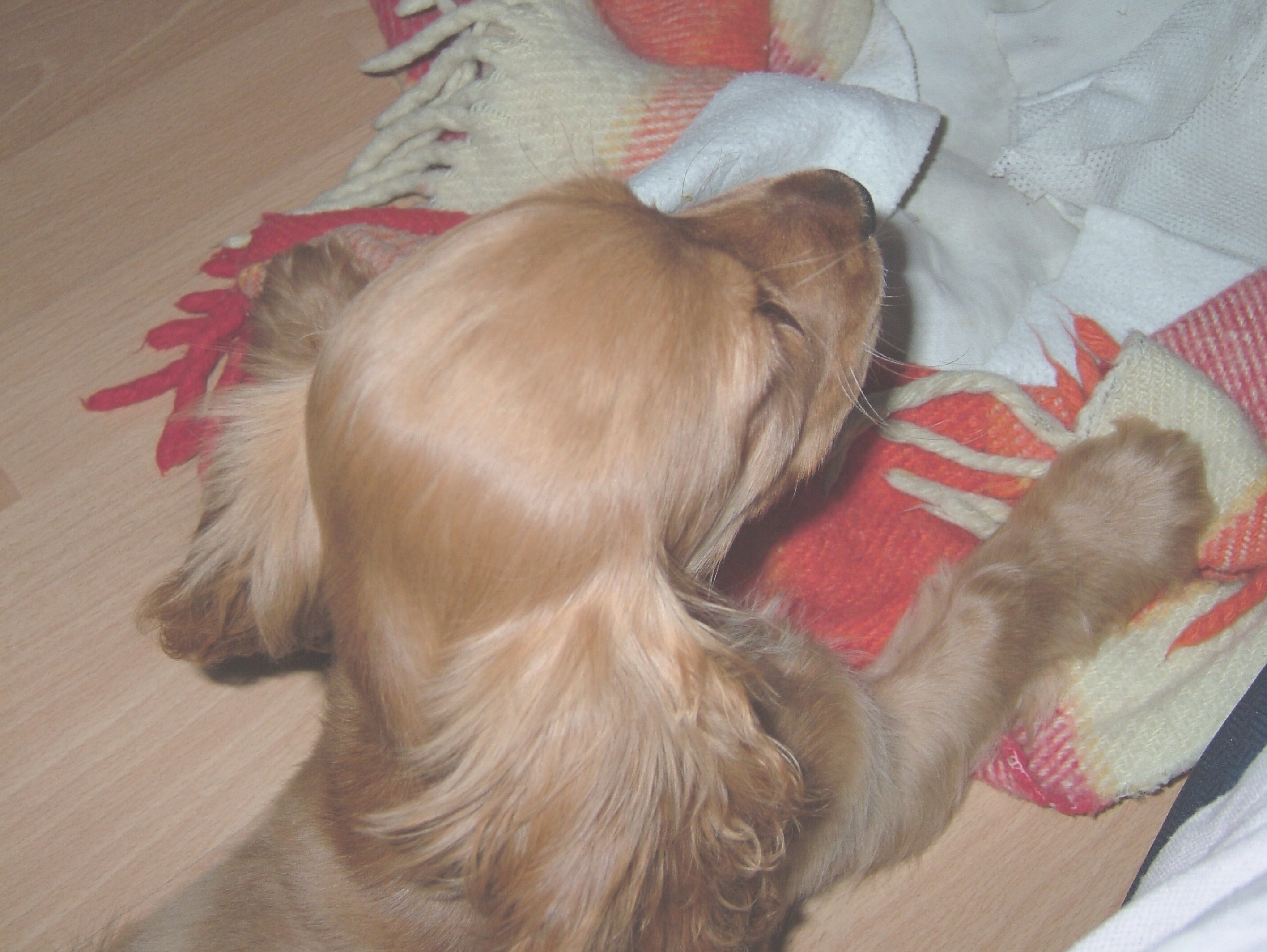
    see the new member of staff john !!!!
    18 weeks old now and he can weed the vinyl very well from the floor now !!!!

  • John Harding

    Member
    2 October 2006 at 20:04

    they say dogs look like their owners but he’s not a rottweiler!!!!!!!!

    John

  • Richard Urquhart

    Member
    2 October 2006 at 20:14

    john what you saying !!!!! 😮

  • Lynn Normington

    Member
    2 October 2006 at 20:19

    rich what a sweet dog is it yours 😎

    Lynn

Log in to reply.