

Home › Forums › Sign Making Discussions › CNC Router and Engraving › Having problems cutting letters out 3mm dibond – help please
-
Having problems cutting letters out 3mm dibond – help please
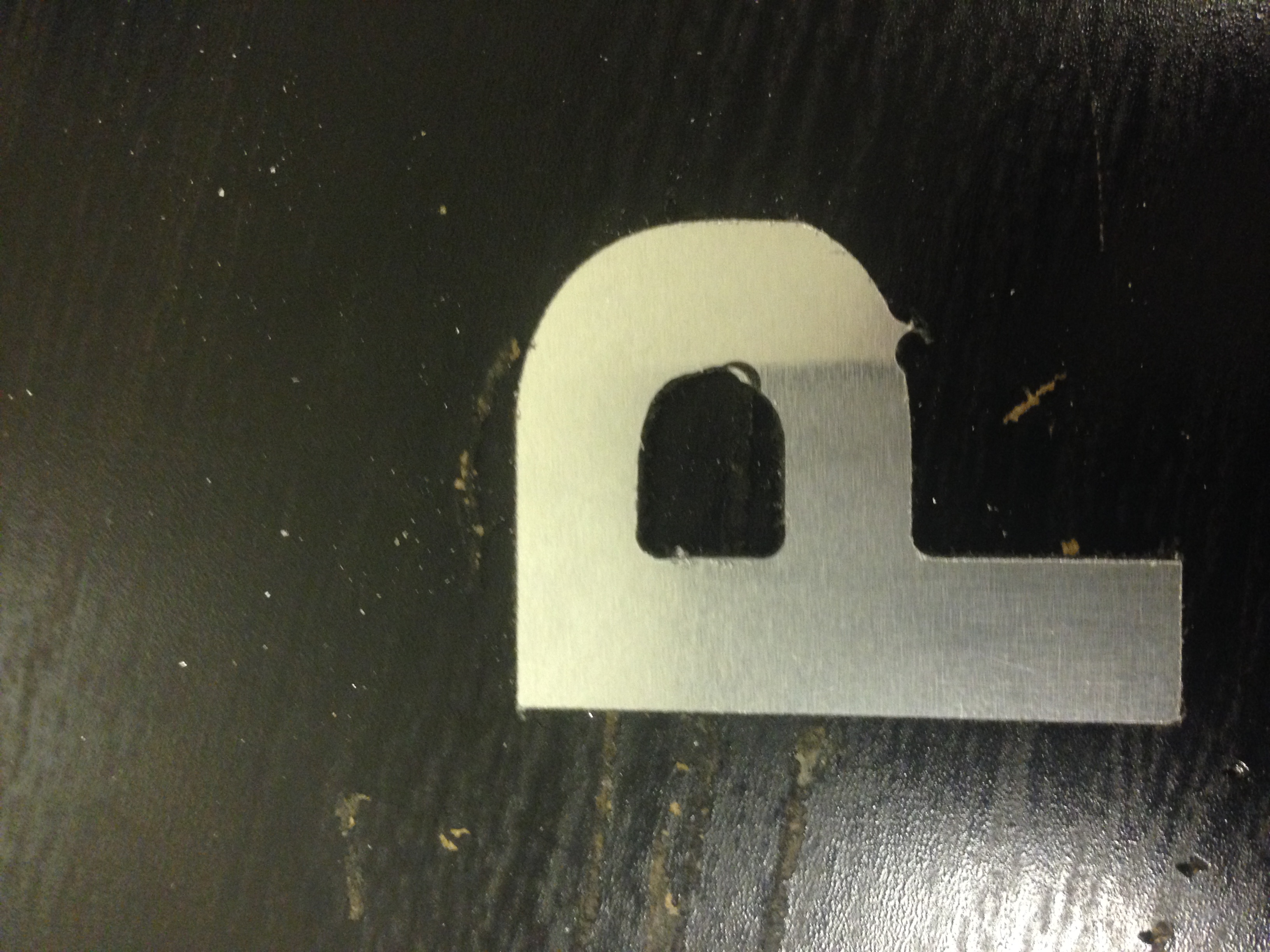
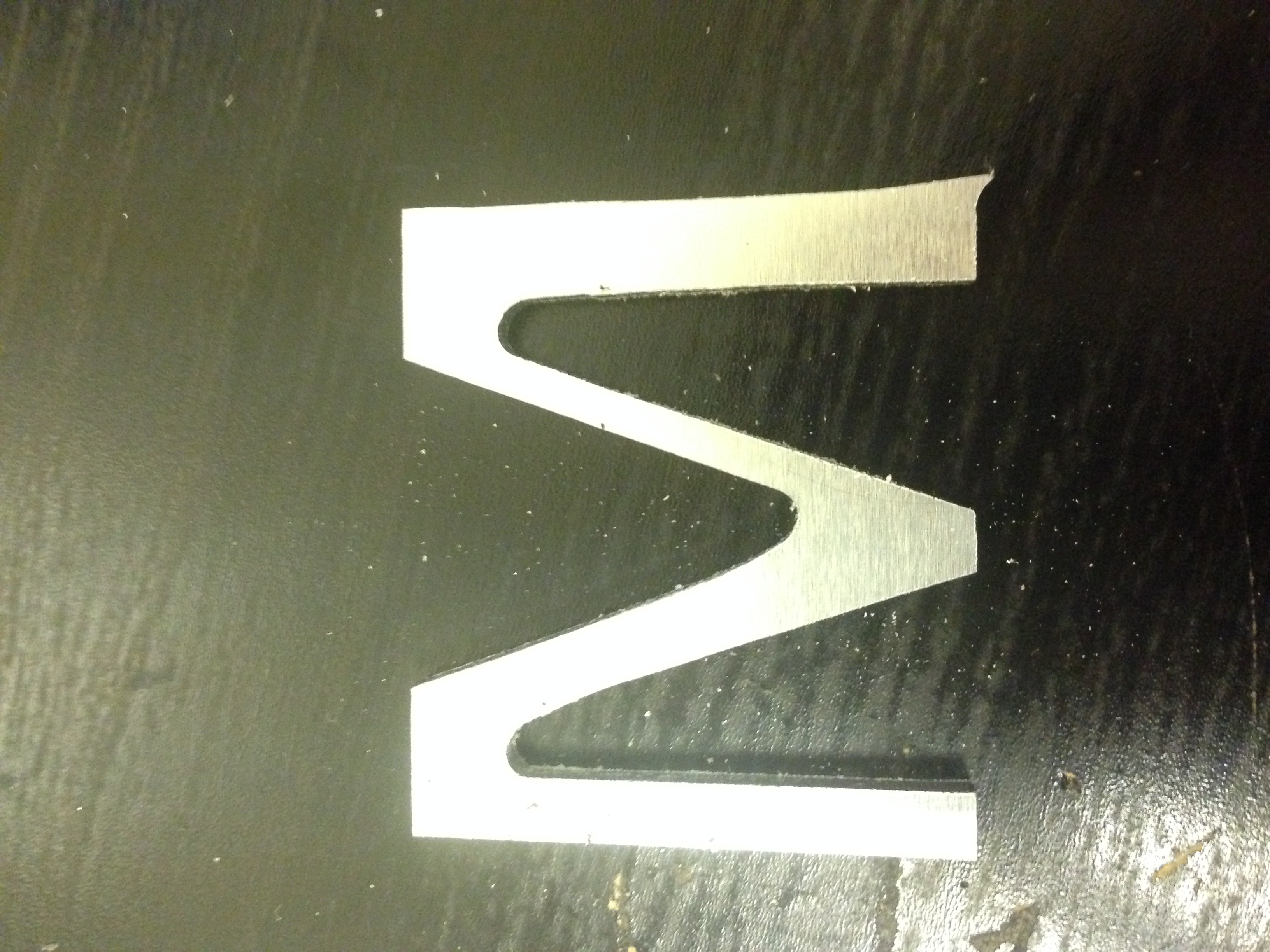
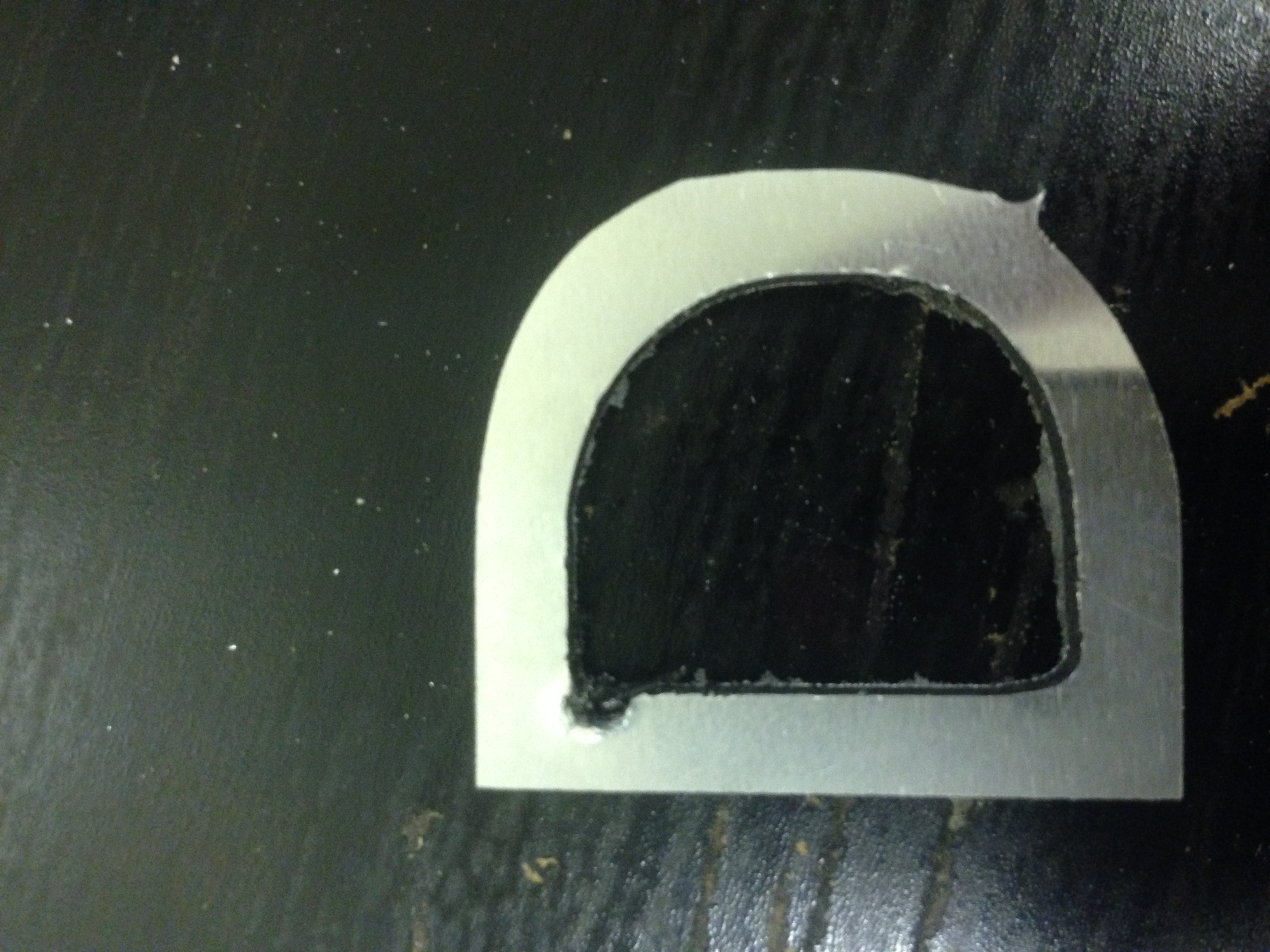
Posted by James Gilmour on 9 November 2015 at 18:15Hi recently purchased a cnc router having problems with router bits and getting cuts perfect can anyone help me whats the recommended speeds and feeds for 3mm acb every time i cut letters i get a bad result :banghead:
Attachments:
 Rich Williams replied 9 years, 12 months ago 6 Members · 11 Replies
 -
11 Replies
-

What type of bits are you using? For most things you will want to cut for signmaking then single flute bits will be your best bet, cutting speeds & feeds will really depend on the machine, I normally start with the manufacturers recommended settings & then fine tune from there
What sort of hold down are you using? if you don’t have a vacuum bed then you need to look at adding tabs to prevent cut parts from moving.ITC do a good range of bits for the signmaking industry.
http://www.itc-ltd.co.uk/products/featu … 0-series-2
-

It looks to me like there is a small amount of slippage taking place or either the x or y axis is slightly out of calibration. As Martin said – make sure the material being cut is held firmly in place (I usually screw my sheet material down onto a sacrificial bed).
My other thought is what dia.of cutting tool are you using? Either your letters are very small or the tool is quite a large diameter fort he size of letters being cut.
I normally cut ACM at 12000 rpm which produces a nice clean cut.
-

Agree with Phil defo some slippage here.
Are you using tabs to hold those small letters down.
When ever we cut small letters we always use tabs.
The great things about our Tekcel is it comes preloaded with a full tool library all the tools have been tried and tested by Complete CNC Solutions, all the speeds are set and you know they will work so no messing around with adjusting speeds etc etc.
Give Julian a call at complete cnc solutions he can send you the complete library and advice on speeds, feeds etc etc.
-

Hi guys thanks for the information i am using 3mm single flute to cut the letters out the letters are small the machine we have is a z90sl with a kress 1050 fme with v carve pro and mach3,I have to screw the sheet down on to the bed so im thinking possibly it could be the axis have play or it needs calibrated.
-
Easy to check calibration of each axis in mach3 but you will need an accurate way to measure movement.
I actually suspect it is because you are not using tabs to hold the parts down though. Easy to add tabs in vcarve so you should really be adding them to the profile toolpaths for the centres of letters as well as the outside of each letter.
Acurately setting z zero will stop you cutting through the tabs with thin substrates. -

Even with a decent vacuum hold down, at this size you still need to glue them to a sacrificial sheet with 3M 77 spray glue. Or use tabs as someone else has said.
Simon -
And you could try cutting them in two or three passes. only tab the last pass so it is less to cut away.
-
Free play in one axis can also cause this. Not sure what your set up has but my machine has couplings that attach the motor to a screw drive. If the coupling is at all loose it can cause the symptoms I am seeing
-
Thanks for the help letters are cutting out much better
-

Hi James
Guess you have a cnc from routout cnc? we had one of these and recently upgraded to a felder format 4, we were mainly cutting mdf and acrylic with ours occasional pieces of Composite board, but I think you might find the belts are slack in you axis’s these can be tightened by you, but it is a two man job!
As has been said before I recon you would be best using some spray glue to hold these in place.
We used to have a bit of a problem with the Kress moving if you put to much load on the spindle meaning you might get an edge that looks like it has steps in it. Lots and lots of trial and error with routout cnc.
Rich

Log in to reply.